Learning center
Pixelto Workflow Blog
Workflow guides for production image work, quality review, and policy-safe delivery.
Workflow guides for production image work
Step-by-step articles for text-to-image, editing, restoration, and expansion tasks that need stable output.
Quality checks before delivery
We document where outputs typically fail so teams can review edge quality, composition, color drift, and export fitness.
Safety and usage boundaries
Posts link back to policy and rights guidance so readers can distinguish useful automation from risky or misleading use.
What you can learn in this library
This section is written for teams that need repeatable image operations, not just inspiration. We publish workflow notes, review checklists, and boundary guidance that can be used before an asset reaches a public page.
QA routines for working teams
Learn how to review artifacts, factual drift, crop risk, and export fitness before a visual is approved.
Specific production use cases
Articles stay anchored to real tasks like product pages, menu cards, archive restoration, listing imagery, and campaign variants.
Where automation should stop
We call out when a workflow needs manual review because of rights, deception risk, or channel-specific restrictions.
Editorial standard
Every public article should help a reader make a better decision
We try to explain what a workflow is good for, where it breaks, and what should be reviewed before publication.

A practical review workflow for approving AI-generated and AI-edited marketing images before they reach ads, landing pages, and product pages.
Read workflow guide
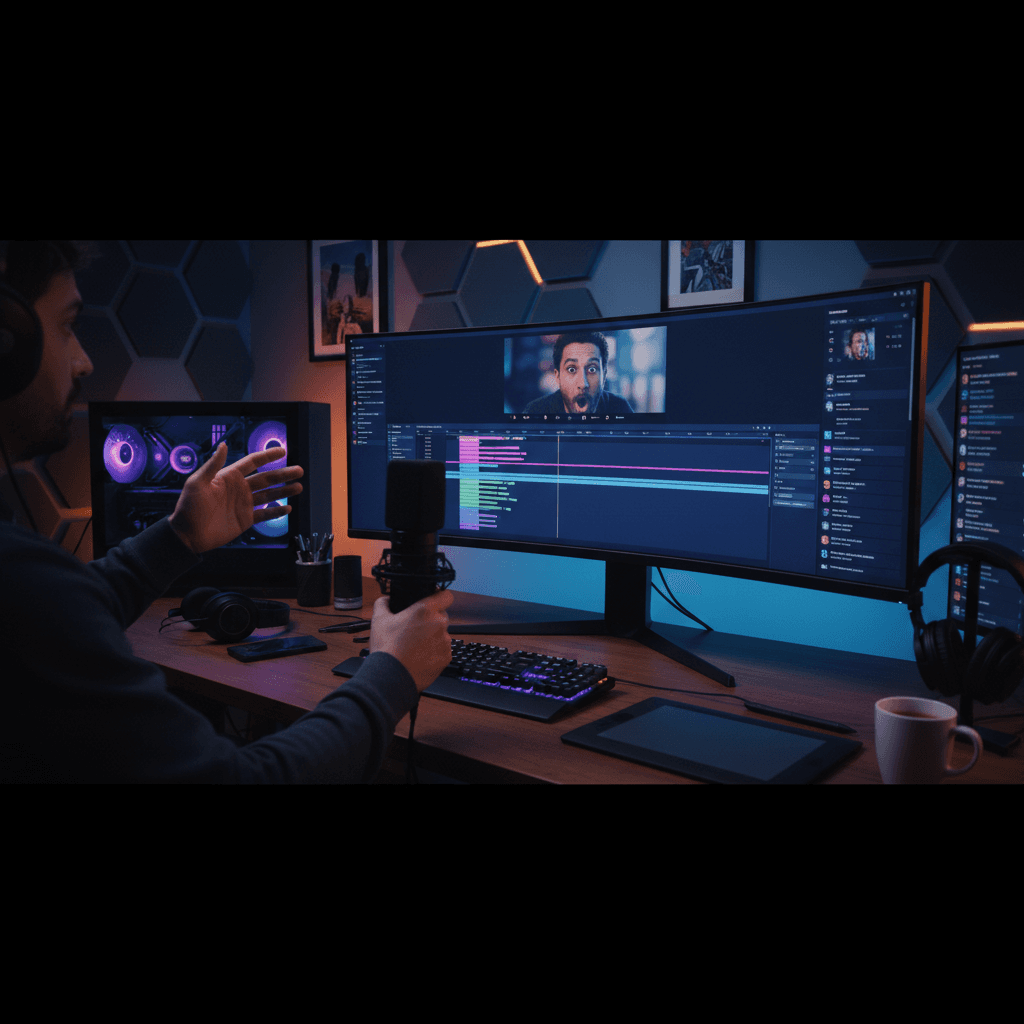
Design high-CTR thumbnail concepts with controlled composition, readable focal hierarchy, and safe commercial usage.
Read workflow guide
Build a reusable portrait style system for teams that need consistent visuals across ads, social posts, and landing pages.
Read workflow guide
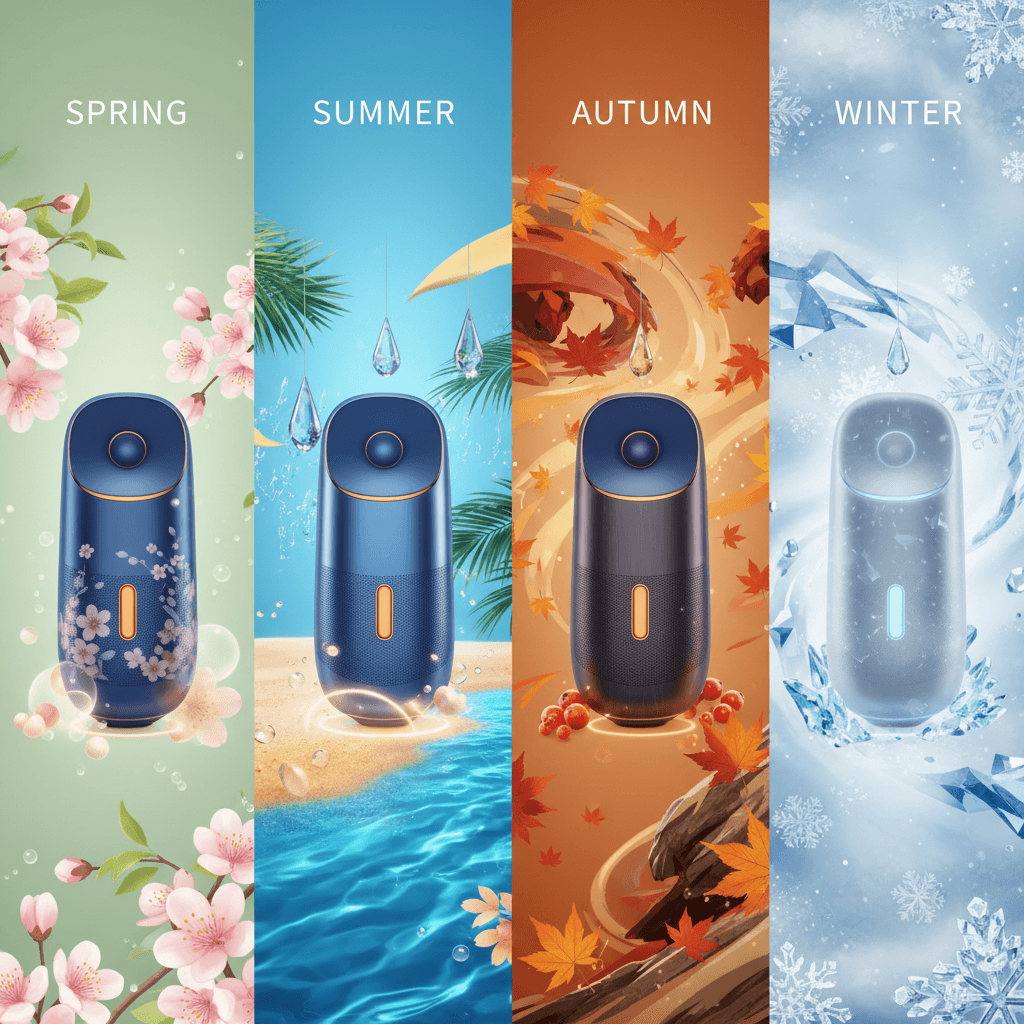
Build holiday and seasonal creative variations quickly while preserving brand identity and campaign consistency.
Read workflow guide
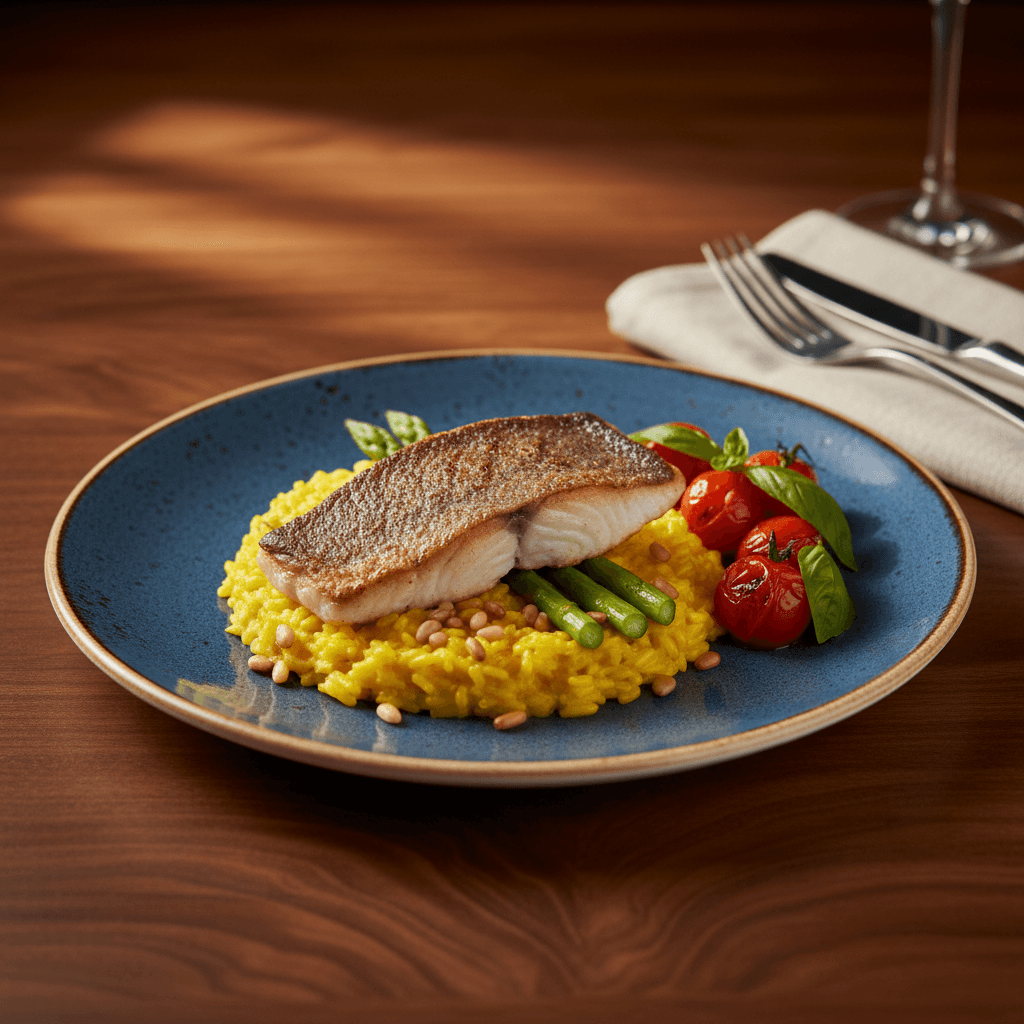
Improve food photos for menu cards and delivery apps with controlled lighting, color accuracy, and cross-platform consistency.
Read workflow guide
Improve listing photos for property pages and ads with consistent lighting, clean composition, and policy-safe edits.
Read workflow guide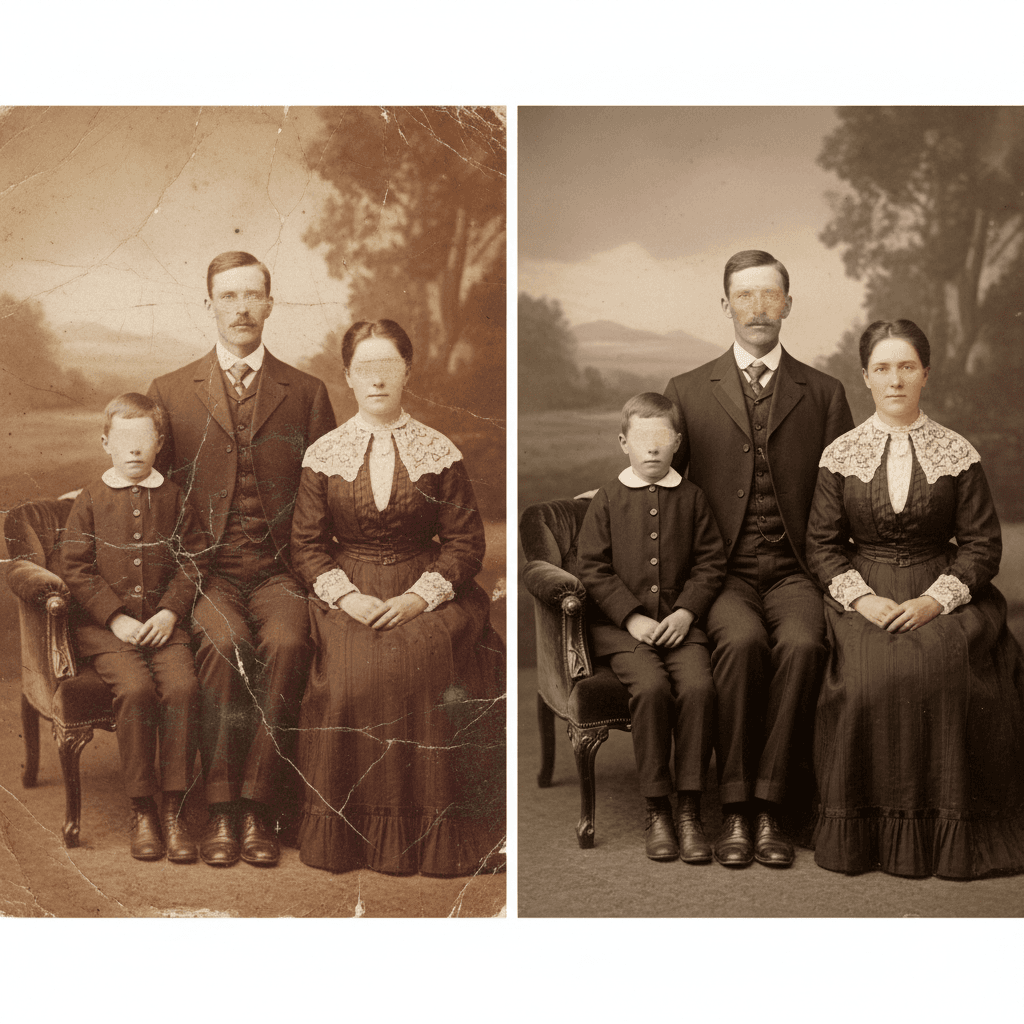
A practical restoration pipeline for damaged family photos, including scratch repair, colorization checks, and safe export for archiving.
Read workflow guide

A repeatable process to expand portraits and product shots to social cover ratios while preserving the original subject.
Read workflow guide
A practical workflow to turn plain product photos into campaign-ready visuals while preserving shape, texture, and brand consistency.
Read workflow guide