Brand-Consistent Portrait Style System
Pixelto Editorial Team
2/25/2026
#portraits#brand-system#style-control
Before you publish
Treat this article as workflow guidance, not automatic approval
Public content still needs factual review, channel review, and rights checks. Use the supporting documentation before shipping commercial assets.
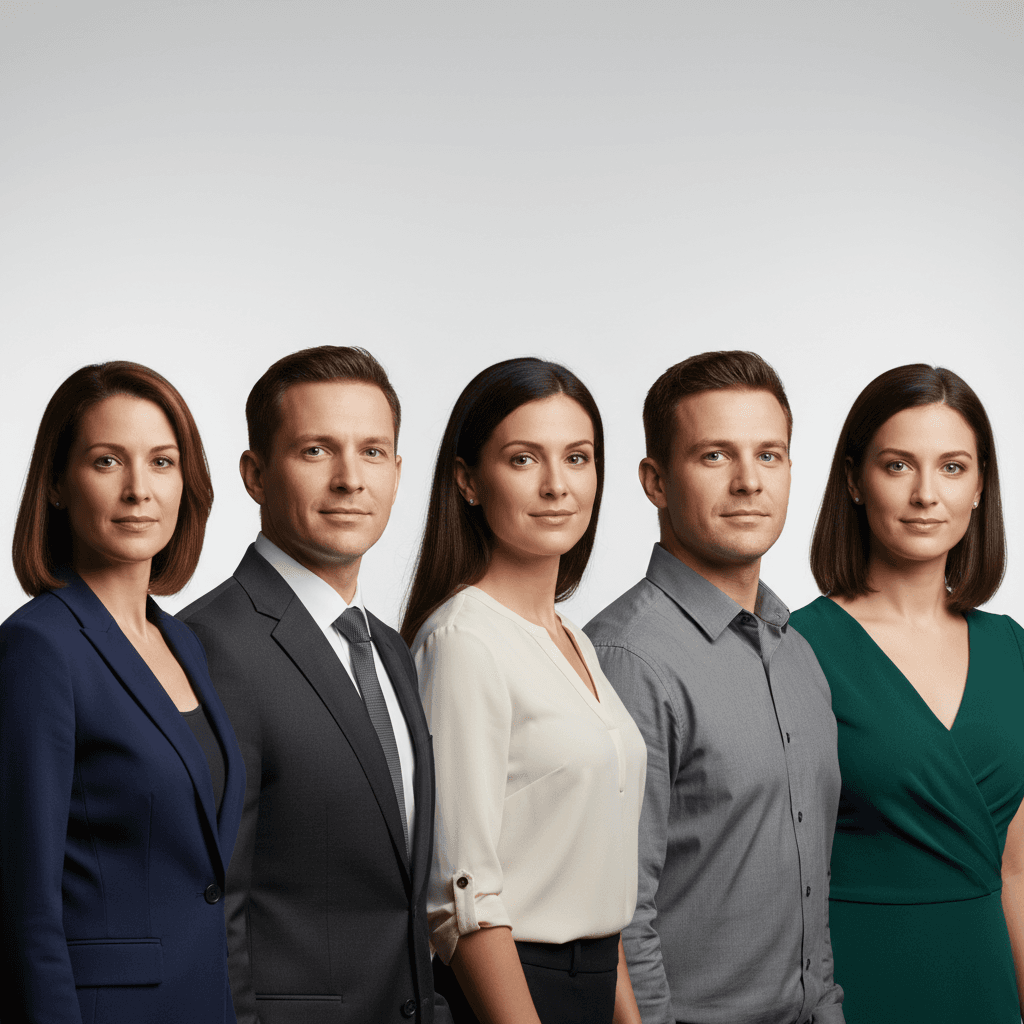
Portrait consistency is a systems problem
Teams often get inconsistent portrait outputs because prompts are written ad hoc by different people.
The solution is a style system, not one-off prompt tweaks.
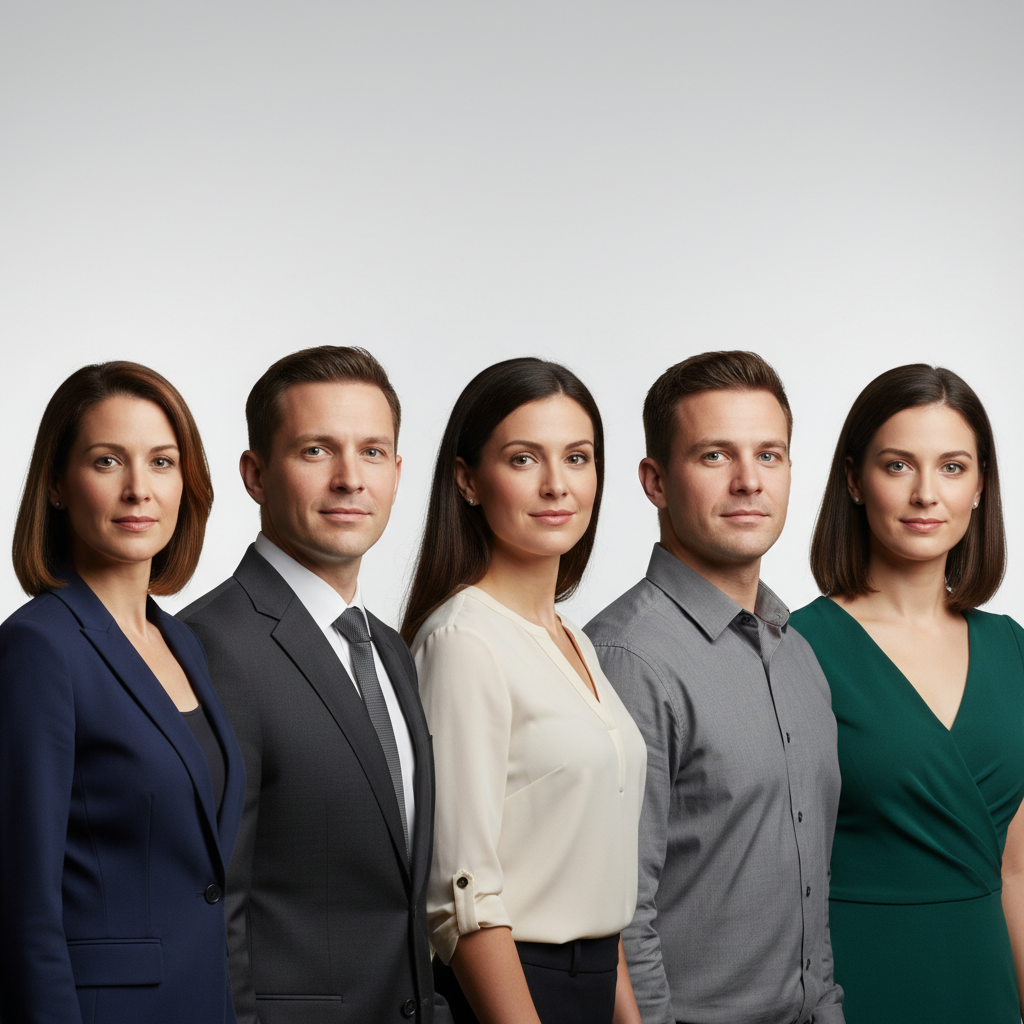
Style system components
- Lighting profile
- Background profile
- Color grade profile
- Framing profile
- Subject constraints
Baseline prompt structure
Generate a professional portrait in brand-consistent style.
Keep identity and facial geometry unchanged.
Use soft key light with controlled rim highlights.
Use clean background with brand-compatible tones.
No text, no logo overlays, no watermark.
Versioning strategy
Maintain style versions:
portrait-v1-neutralportrait-v1-campaignportrait-v2-dark-accent
This makes approvals and rollbacks straightforward.
QA checks
- Skin tone realism
- Eye detail consistency
- Background cleanliness
- Cross-channel crop safety
Compliance reminder
Never use portrait edits to impersonate real individuals or misrepresent identity.