Name one primary change before adding detail
Start with the main edit—replace the background, remove an object, adjust lighting, or restyle the image—then add the finish and context. A focused first instruction is easier to review and refine.


Upload a JPG, PNG, or WebP image and describe the exact change you want. Edit online for free without sign-up or login, then refine backgrounds, objects, lighting, style, or subject details with natural-language instructions.
Explore real editing directions for portraits, outfits, backgrounds, object cleanup, generative fill, and creative content. Each example starts from an existing image and a focused instruction.
Polish everyday portraits into natural headshots while preserving identity and realistic skin texture.
Polished professional headshot
Tell the editor what to change, what to preserve, and how the finished image should look instead of relying on a broad one-line request.
Start with the main edit—replace the background, remove an object, adjust lighting, or restyle the image—then add the finish and context. A focused first instruction is easier to review and refine.
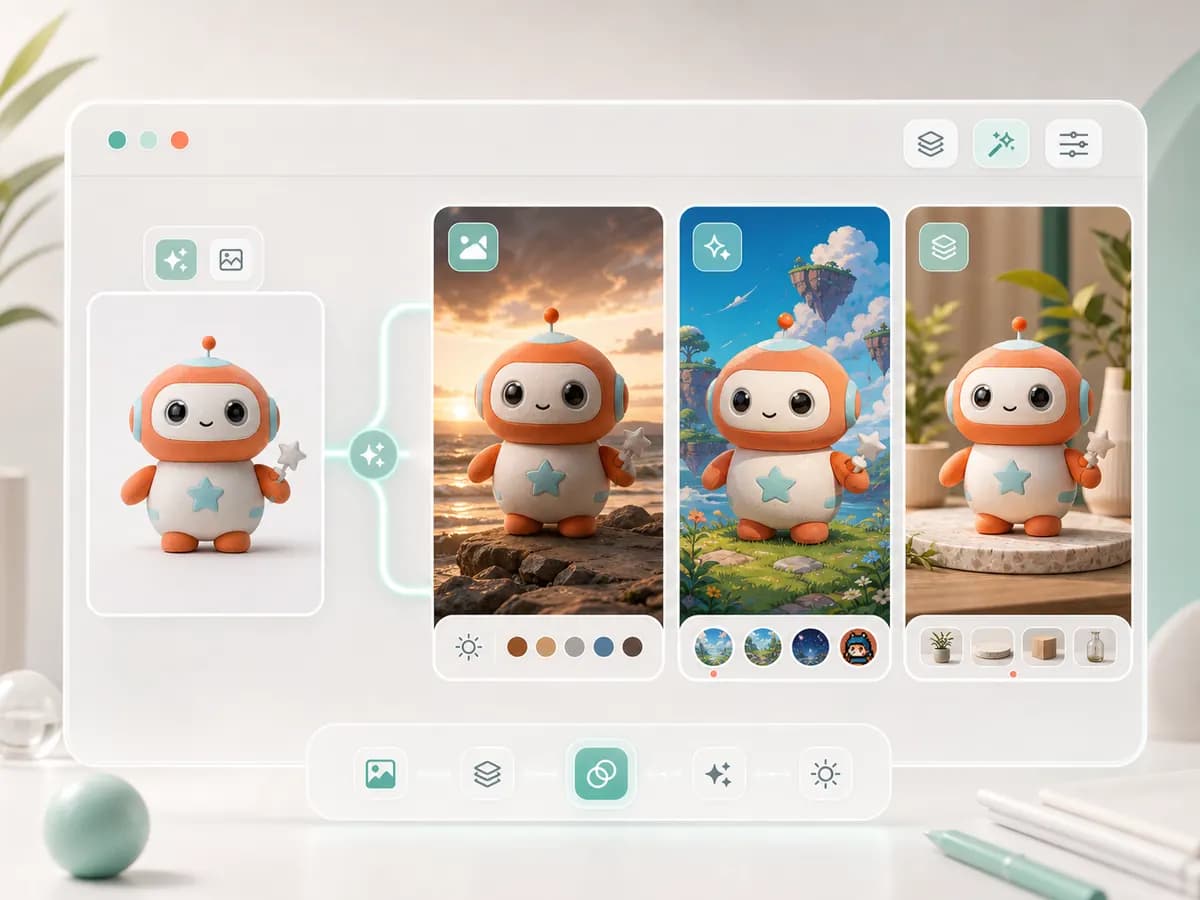
Call out the face, product shape, pose, proportions, logo placement, shadows, or camera angle that should stay fixed. This separates subject preservation from the requested edit.

When several changes compete, edit them one at a time. Confirm the subject first, then adjust the environment, visual style, color, and final polish without repeatedly changing the source identity.

Start with the main edit—replace the background, remove an object, adjust lighting, or restyle the image—then add the finish and context. A focused first instruction is easier to review and refine.

Call out the face, product shape, pose, proportions, logo placement, shadows, or camera angle that should stay fixed. This separates subject preservation from the requested edit.

When several changes compete, edit them one at a time. Confirm the subject first, then adjust the environment, visual style, color, and final polish without repeatedly changing the source identity.

Uploading an image, writing an edit instruction, preserving key details, supported changes, and no-sign-up access.
Use a dedicated editor for creative changes or a restoration workflow for old-photo damage instead of forcing every image task through the same tool.
Upload a source image, describe one clear change, and tell Pixelto AI which details must stay unchanged.