E-commerce Product Background Replacement Workflow

Pixelto Editorial Team
2/18/2026
#ecommerce#workflow#background-replacement
Why this workflow matters
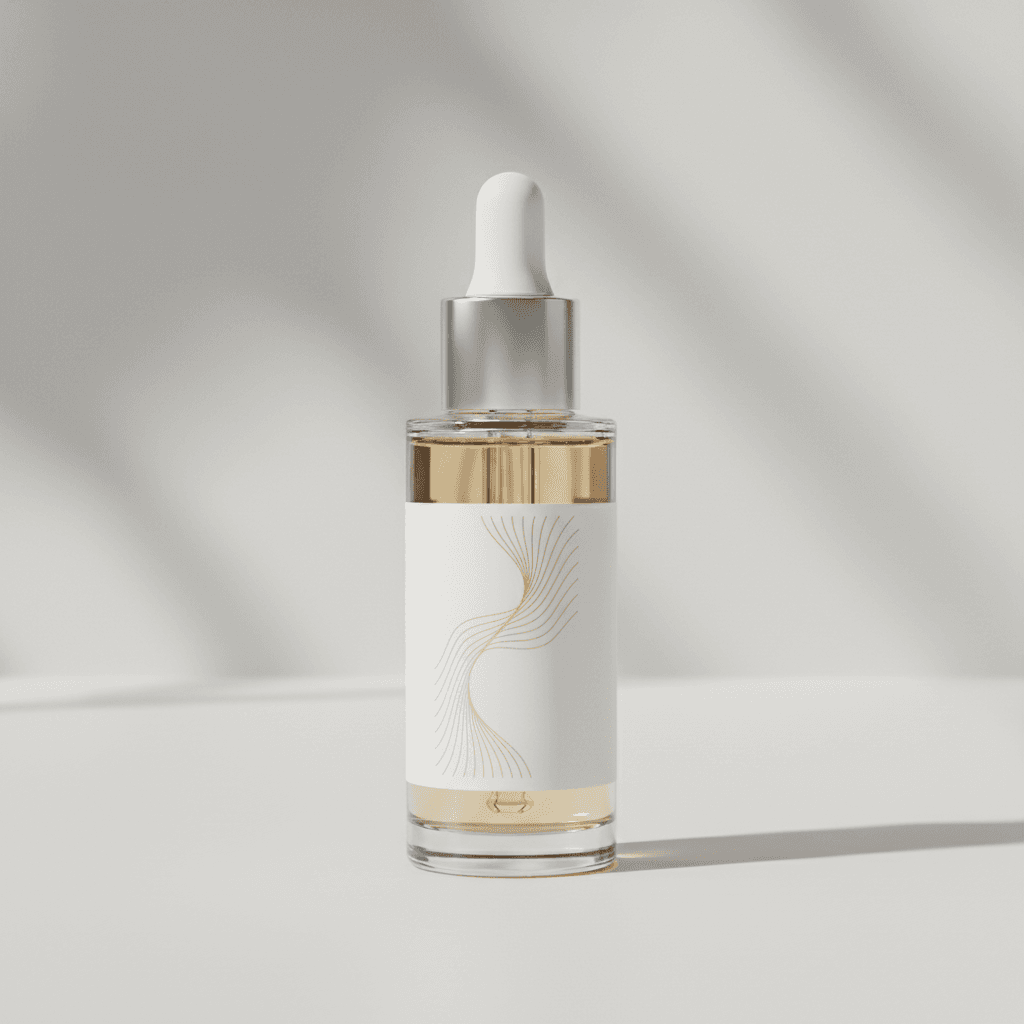
Most stores lose conversion because their product photos are inconsistent: different lighting, cluttered backgrounds, and mixed aspect ratios.
This guide shows how to use Pixelto to replace backgrounds in a controlled way without damaging product edges or brand colors.
Inputs you need
- One clear product photo (JPG, PNG, or WebP).
- Target usage context: PDP, social ad, marketplace, email banner.
- Brand guardrails: background style, allowed color range, shadow intensity.
Step-by-step process
1. Prepare the source image
Use a clean, high-contrast source image. If your product is reflective (glass, metal), keep highlights natural and avoid heavy compression.
2. Write a constrained prompt
Use prompts that define what can change and what must stay fixed.
Example:
Replace only the background with a minimal warm studio setting.
Keep the product shape, logo placement, texture, and color unchanged.
Preserve realistic contact shadow under the product.
No added text, no watermark, no extra objects.
3. Generate 3-4 controlled variants
Generate small batches and compare:
- Edge quality around product boundaries
- Shadow direction consistency
- Color drift from original product
4. Select by placement context
- Marketplace cards: simple neutral background
- Paid social: stronger contrast and visual depth
- Email hero: more room for headline-safe negative space
Common failures and fixes
Halo edges around product
Fix:
- Use stronger edge constraints in prompt
- Avoid busy background texture
- Start with a cleaner source cutout
Product color shifts
Fix:
- Explicitly enforce "keep product color unchanged"
- Lower scene mood intensity
- Re-run with neutral white-balance wording
Unrealistic floor shadow
Fix:
- Request "soft natural contact shadow"
- Specify one light direction and avoid mixed lighting terms
Policy and usage boundaries
Use only images you own or have rights to edit.
Do not create misleading product claims, fake certifications, or counterfeit branding assets.
For commercial boundary details, read:
Recommended internal workflow
- Create one baseline style profile per brand.
- Reuse that prompt structure across SKUs.
- Keep approved outputs in a shared asset library.
- Audit one random output batch weekly for consistency.